


3D math
(Game Development)
I'm always looking forward to what's the next important subject to learn and improve my skills as a Technical Animator/Rigger. I decided to write everything that I'm working on that has a relation to 3D math and I hope that could help and inspire anyone to learn these fundamental subjects.
Geometric Definition of a Vector:
Geometrically speaking, a vector is a directed line segment that has two properties: "magnitude"(length) and "direction"

The Mathematical definition of a vector:
A vector is a list of numbers, where scalar is a technical term for an ordinary number "velocity" and "displacement" that are vector quantities, whereas "speed" and "distance" are scalar quantities

"Magnitude" and "Direction":
The "magnitude" of a vector is the length of the vector also known as the norm of the vector.
In linear algebra, the magnitude of a vector is denoted by using a double vertical bar surrounding the vector, this is similar to the single notation used for absolute value operation for scalars.
The magnitude of a vector is the square root of the sum of the squares of the components of the vector

The "direction" of a vector describes which way the vector is pointing in space.
When the concern is the direction of the vector, is often to use Unit Vector. A unit vector is a vector that has a magnitude of 1.
Also known as normalized vectors, to normalize a vector we divide the vector by its magnitude:

In 2D we draw a unit vector with the tail at the origin (A unit circle has a radius of 1).In 3D a unit vector touches the surface of a unit sphere. When we normalize vectors, you could make some vectors shorter if they have a length greater than 1 or bigger if they have a length less than 1.

Before we jump to "Dot Product" and "Cross Product", we need to know some of the possible operations that you can make with vectors.
Relationship between Points and Vectors:
Points are relatives as well they are relative to the origin of the coordinate system used to specify their coordinates

This illustration shows us the relationship between points and vectors. As we can see when we start at the origin (0,0) and move by the amount specified by the vector [x,y] we will end up at the location described by the point (x,y).
Another way to say the same thing is that the vector gives the displacement from the origin to the point.
Points and vectors are conceptually distinct, but mathematically equivalent. Any point can be represented as a vector from the origin.
Vector Addition and Subtraction:
We can add and subtract two vectors, the result is a vector quantity of the same dimension as the vector operands.
We use the same notation for vector addition and subtraction as is used for addition and subtraction of scalars.

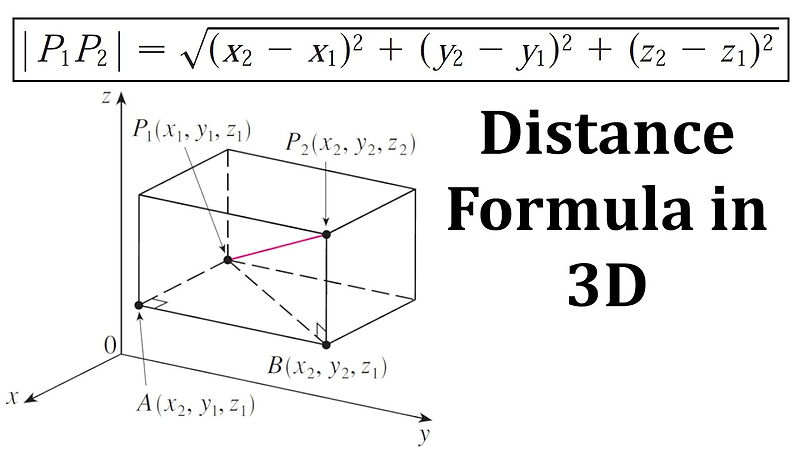
Vector Dot Product:
I think now is the time that we can talk about "Dot product" and show some examples in Maya and Unreal Engine, but you can apply vector math on any 3D software that's the whole point and why is so important to understand.
We can say that the "Dot product" has a relationship with many other operations, such as matrix multiplication, convolutions of signals, etc...
Linear Algebra Rules:
The name "Dot Product" comes from the dot symbol used in the notation:
a · b
The vector "Dot Product" is performed before addition and subtraction, unless parentheses are used to override this default order operation
The "Dot Product" of two vectors is the sum of the products of corresponding components resulting in a scalar result.
3D Dot Product:
a · b = ax × bx + ay × by
So we multiply the x's, multiply the y's, then add.
Before we talk about how you can calculate and get the same result using cosine, we can jump to the geometric interpretations.
Geometric Interpretation:
"Dot Product" performs a projection.
Assume for the moment that â is a unit vector (magnitude=1) and b is a vector of any length. Now we take b and project it onto a line parallel to â

We can define the "Dot Product" a · b as the signed length of the projection of b onto the "â" vector â · b = scalar.
The measure of a signed length tells us if the vectors are pointing to the same direction or oppositive direction or perpendicular.

Now we can finally start to show some examples using the "Dot Product" in Maya API.
Perpendicular:
If the projection has zero length, it means that the vectors a and b are perpendicular. We can see in the image below that vectors b [0,16,0] and a[16,0,0] are perfectly perpendicular. So if we already know how can we calculate and get a scalar value equal to 0?
To prove that perpendicular vector always gives 0 scalar result because we are not projecting any "shadow" onto the a vector.
We can say that the θ = 90, showing that we have two vectors that are perfectly perpendicular to each other

So first we need to calculate the vectors of a and b after we have both vectors we can calculate the dot product of a · b


Pointing mostly in the same direction:
When we have vectors that are mostly pointing to the same direction we call "Acute Angle" 0° ≤ θ <90°

Essentially we do the same operations that we did before, so now I think is clear how much is important to compare the directions of vectors


If we continue the same logic, when we have a negative unit vector result we have "Obtuse Angle" 90° < θ < 180°
Angle "Dot Product":
This is a very common interpretation of "Dot Product", which have more emphasis on the angle between the vectors.
When we are working with angles, most of software works with radians.
We need to talk about the "Unit Circle"

0° = 0 radians
180° = π radians
270° = 2π x 3/4 = 6π/4 = 3π/2
360° = 2π
radians = degrees/180 x π
degrees = radians/π x 180
So how can we show that 270° is equal to 3π/2 or any other degree value?
First we make 270°π/180 ÷ largest number that can evenly divide into the numerator and denominator of each fraction
If we divide 270 ÷ 2 = 135
But when we divide 180/135 we get a float number and is not evenly divide
So we move to next 270 ÷ 3 = 90
When we divide 180 ÷ 90 = 2
We have our largest number that can be evenly divided into the numerator and denominator:
270°π/180 ÷ 90 = 3π/2
3π/2 = 270°
If we simplify the vectors by normalizing them,
cosθ = adjacent/hypotenuse = â · ê/1
â · ê=âx × êx + ây × êy
The length of the hypotenuse is 1 (since b is a unit vector) and the length of the base is equal to the "Dot Product" â · ê
I can normalize both vectors since we don't need to calculate the magnitude(length), we just need the direction(unit vector).


Here we can see how we calculate using Maya API:


Sine and Cosine:
Before we start to show more examples of "Dot Product" I want to talk about sine and cosine
Sine Formula:
Simple :
y = sin(x)
The real sine wave formula is a little more complex:
A * ( sin ( B * ( x - C ) ) ) + D
A = Amplitude (Tallness) of the wave.
B = How many waves there are for each cycle.
C = How far to shift the wave's X position.
D = How far to shift the wave's Y position.
Sine cycles between -1 and 1. It starts at 0, grows to 1.0 (max), dives to -1.0 (min), and returns to neutral. I also see sine like a percentage, from 100% (full steam ahead) to -100% (full retreat).
Let's play with the sine wave if we want to keep the wave starting at 0 and the max amplitude going to 1 on the +y axis and he has this start wave below:

If we just want to shift our wave on the y axis we just need to match a positive number between the Amplitude = A and the D that shift the wave in the y axis.
Shifting the amplitude to 0.5 instead of 1 and increase +0.5 in D we see the wave going on the +y axis.

What if we want to do the same thing but with cosine, we will see that it's the same formula but when you use cosine the wave will start at 1 or -1 on the y axis

and random to get random values for the sin wave.
Then the user selects the joints to have the sin wave animation.
The most important is the line
y_x_randomized = random_amplitude_x * np.sin(random_frequency_x * x) + 0.5
y_y_randomized = random_amplitude_y * np.sin(random_frequency_y * x) + 0.5
That the sin wave formula in python, so we can get he sin wave working in Maya

Pole Vector:
In this example I made a pole vector, just using vector math:

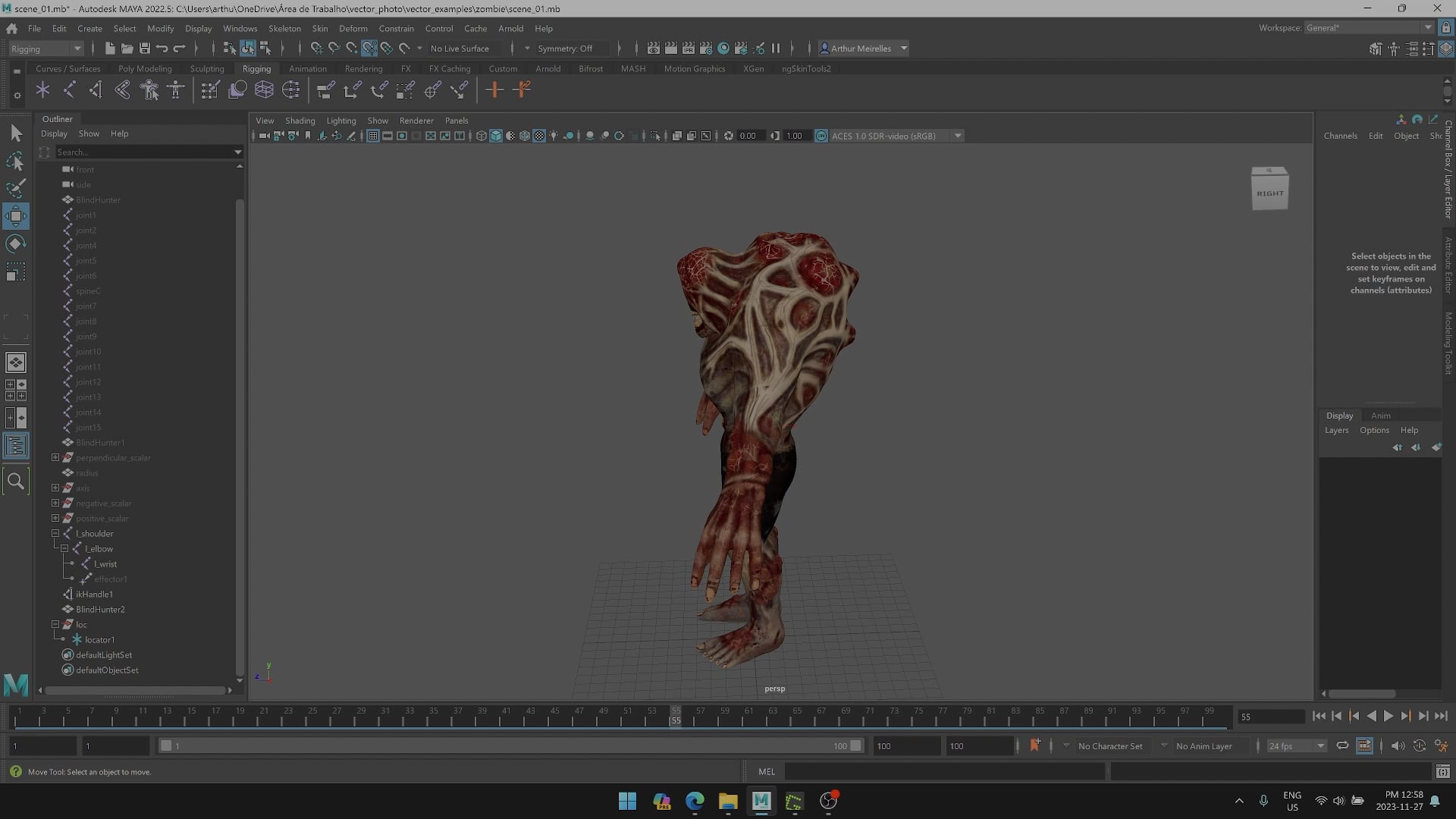
Vector Cross Product:
The cross product can be applied only in 3D. The vector cross product yields a 3D vector and is not commutative.
The name cross product comes from the symbol used in the notation:
a x b

Geometric speaking the cross product yields a vector that is perpendicular to the original two vectors, known as the normal vector.
Normal Definition:
This is when two axis will be tangent to the surface and the normal vector is always the axis pointing out of the surface.
The cross product returns a third vector, that's perpendicular to the surface
